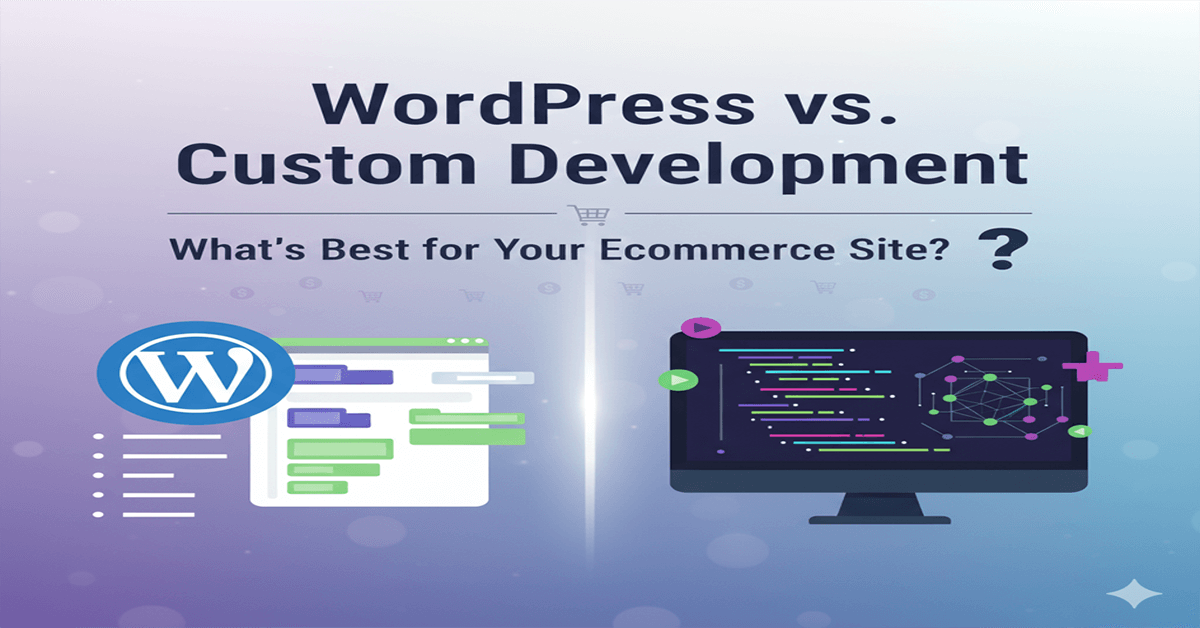




Managing a website efficiently is essential for businesses that want to stay competitive online. A CMS, or Content Management System, is a software platform that allows users to create, manage, and update website content without requiring advanced technical skills.
CMS platforms simplify website management by reducing complexity, saving time, and enabling teams to focus on content and business growth rather than technical maintenance.
What Is a CMS?
A Content Management System is a web-based application that helps users manage digital content through an intuitive interface.
Instead of editing code manually, users can log in to a dashboard where they can add pages, publish blog posts, upload images, and manage site settings. Popular CMS platforms include WordPress, Drupal, and Joomla.
How a CMS Simplifies Website Management
1. Easy Content Updates Without Technical Skills
One of the main advantages of a CMS is ease of use.
Business owners and marketing teams can update text, images, and pages using a visual editor. This eliminates the need to rely on developers for routine content changes.
2. Centralized Content Control
A CMS provides a single platform to manage all website content.
Users can organize pages, posts, media files, and categories in one place, making it easier to maintain consistency and accuracy across the website.
3. Faster Website Updates and Publishing
CMS platforms allow instant publishing and scheduling of content.
This helps businesses launch updates, announcements, and marketing campaigns quickly without delays caused by manual development work.
4. Role-Based User Access
A CMS supports multiple user roles with different permission levels.
Editors, authors, and administrators can be assigned specific access rights, ensuring content is managed securely and efficiently within teams.
5. Design and Layout Flexibility
CMS platforms offer themes and templates that simplify website design.
Businesses can update layouts, colors, and styles without rebuilding the website from scratch. This flexibility supports branding updates and design improvements over time.
6. Plugin and Extension Support
CMS platforms support plugins and extensions that add functionality.
Features such as contact forms, SEO tools, analytics, security enhancements, and eCommerce capabilities can be added without custom development.
7. Built-In SEO and Content Optimization
Many CMS platforms include tools that support SEO best practices.
These tools help manage meta titles, descriptions, URLs, and content structure, making it easier to optimize pages for search engines.
8. Simplified Maintenance and Updates
CMS platforms receive regular updates to improve performance and security.
Applying updates through a CMS dashboard is simpler than maintaining custom-coded websites, reducing long-term maintenance effort.
Who Benefits Most from Using a CMS
CMS platforms are ideal for:
- Small and medium-sized businesses
- Content-driven websites and blogs
- Marketing teams managing frequent updates
- Organizations without in-house technical teams
- Businesses seeking cost-effective website management
Conclusion
A CMS simplifies website management by making content updates faster, easier, and more accessible to non-technical users. It reduces dependency on developers, improves workflow efficiency, and supports business growth through flexible and scalable website management.
For businesses looking to manage their website effectively while controlling costs and complexity, a CMS provides a practical and reliable solution.