
In today’s digital world, website security is no longer optional, it’s essential. Whether you’re running a small business website, an e-commerce platform, or a large web application, protecting user data and building trust should be a top priority. Cyber threats are increasing every day, and even a small vulnerability can lead to serious consequences.
In this article, we’ll explain how to implement SSL and other important security measures to keep your website safe, secure, and reliable.
Why Website Security Matters
Website security is not just about protecting your server, it’s about protecting your users. A secure website:
- Builds trust with visitors
- Protects sensitive user data (passwords, payment details, personal information)
- Improves SEO rankings (Google prioritizes secure sites)
- Prevents hacking, malware, and data breaches
- Ensures compliance with modern web standards
Ignoring security can result in lost customers, legal issues, and damage to your brand reputation.
What Is SSL and Why Do You Need It?
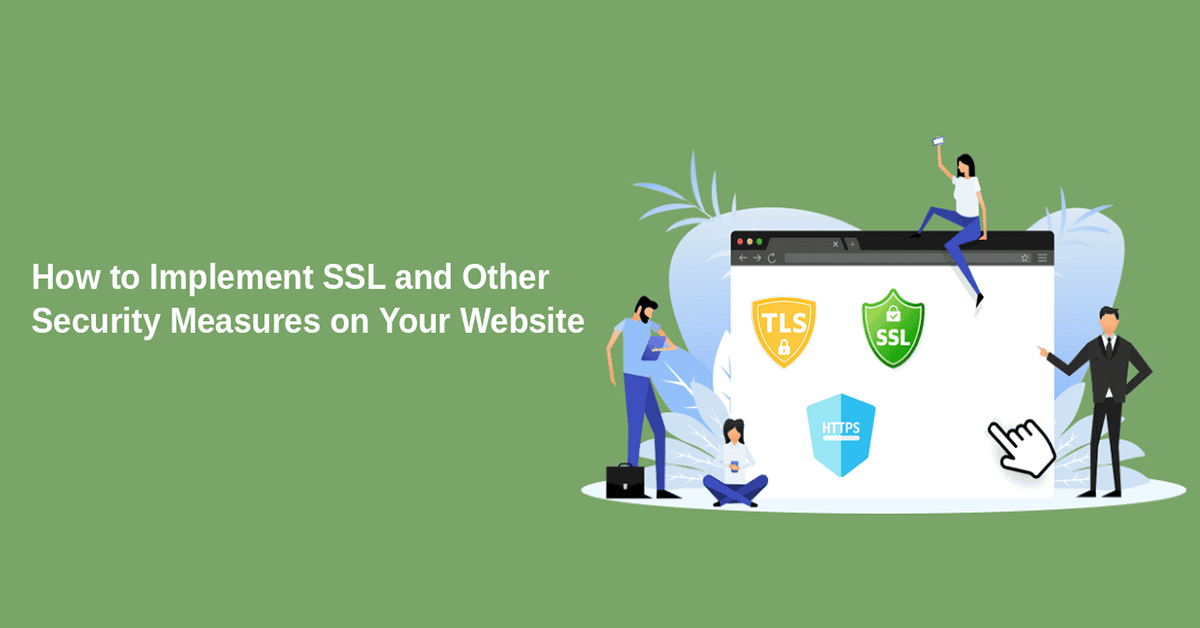
SSL (Secure Sockets Layer) is a security protocol that encrypts data transferred between a user’s browser and your web server. Websites using SSL display HTTPS instead of HTTP and show a padlock icon in the browser.
Benefits of SSL:
- Encrypts sensitive data
- Protects against man-in-the-middle attacks
- Improves search engine ranking
- Increases user confidence
Without SSL, data can be intercepted easily, making your website vulnerable. How to Implement SSL on Your Website
Implementing SSL is straightforward if done correctly. Here’s how:
1. Choose the Right SSL Certificate
There are different types of SSL certificates:
- Domain Validation (DV) – Basic encryption
- Organization Validation (OV) – Verified business identity
- Extended Validation (EV) – Highest trust level (recommended for e-commerce)
Choose based on your website’s needs.
2. Install the SSL Certificate
Most hosting providers offer free SSL certificates (like Let’s Encrypt) or paid options. Install the certificate through your hosting control panel or server configuration.
3. Force HTTPS
After installation, ensure all traffic is redirected from HTTP to HTTPS. This prevents users from accessing the insecure version of your site.
4. Update Internal Links
Make sure all internal links, images, scripts, and resources use HTTPS to avoid mixed content warnings.
Additional Essential Security Measures for Your Website
SSL alone is not enough. For full protection, you should implement additional security layers.
1. Keep Software and Dependencies Updated
Outdated software is one of the most common security risks. Always:
- Update CMS platforms (WordPress, Laravel, etc.)
- Update plugins, libraries, and frameworks
- Remove unused or unsupported components
Regular updates close security vulnerabilities before attackers exploit them.
2. Use Strong Authentication Methods
Weak passwords are easy targets for attackers.
Best practices include:
- Strong password policies
- Two-factor authentication (2FA)
- Limiting login attempts
- Using secure password hashing
These measures significantly reduce unauthorized access.
3. Implement a Web Application Firewall (WAF)
A WAF protects your website by filtering malicious traffic before it reaches your server. It helps prevent:
- SQL injection attacks
- Cross-site scripting (XSS)
- DDoS attacks
This adds an extra layer of defense against common threats.
4. Secure Your Database and Server
Server-side security is just as important as front-end security:
- Use secure database credentials
- Restrict server access
- Disable unnecessary services
- Apply proper file and folder permissions
A secure server reduces the risk of data leaks and system compromise.
5. Regular Backups and Monitoring
No system is 100% secure. That’s why backups are critical.
- Schedule automatic backups
- Store backups securely
- Monitor website activity and logs
- Set alerts for suspicious behavior
If something goes wrong, backups ensure quick recovery.
6. Protect Against Common Attacks
Make sure your website is protected from:
- Cross-Site Scripting (XSS)
- SQL Injection
- Cross-Site Request Forgery (CSRF)
- Brute-force attacks
Using secure coding practices and frameworks helps prevent these issues.
Final Thoughts
Website security is an ongoing process, not a one-time setup. Implementing SSL is the first and most important step, but combining it with strong authentication, regular updates, firewalls, and monitoring creates a truly secure environment.
A secure website not only protects your data but also builds trust, improves performance, and strengthens your online presence.
If you want professional help implementing SSL and advanced security measures, working with an experienced development team can save time and prevent costly mistakes.